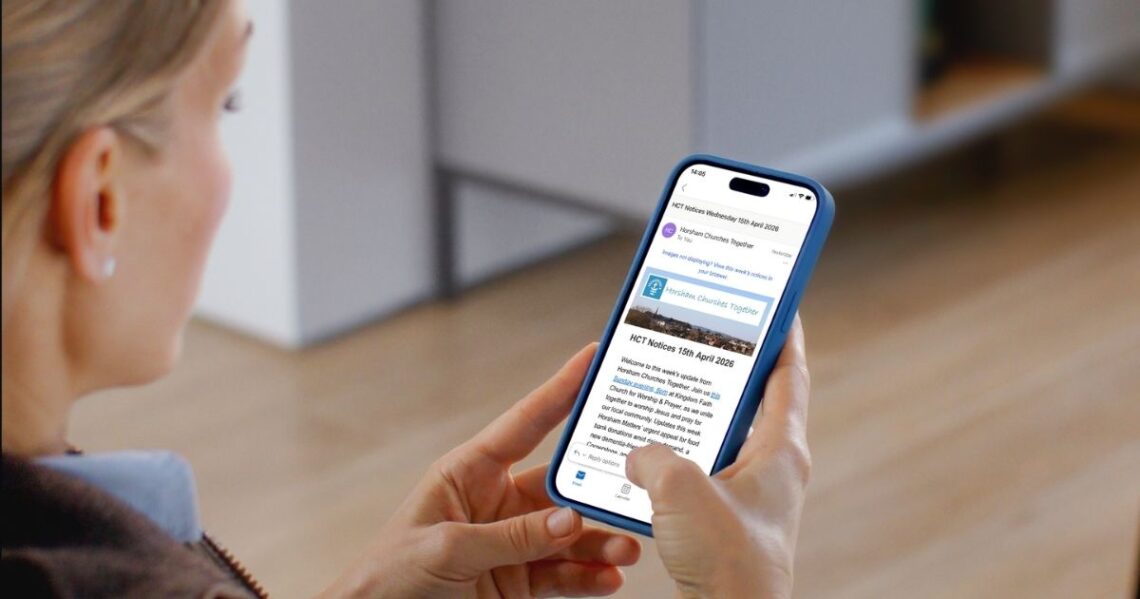
Our new look weekly email launched on 22 April 2026, with news and events from Horsham Churches Together, local churches and partner charities. The new email design is visually engaging with a simple, clean layout to help subscribers find news and events relevant to them. All the content is also available on our website too, with an expanded News section and a new What’s On Guide – making it even easier to share with your friends.
How can I subscribe to the new look weekly email?
Join the mailing list using the sign up form on the Horsham Churches Together homepage.
How can I share a post with friends?
Every page of the website now has a share button in the bottom left of the screen – it’s deep pink with three connected dots. Click it and choose an app to share. Facebook. WhatsApp. Email. We’ve got you covered.
Has the link on the website changed?
No. The existing link still works, and has the same weekly content as the email newsletter. Visit www.horshamct.org.uk/notices to discover more.
Can I forward the email to a friend?
Please do. Then invite them to sign up on the Horsham Churches Together homepage.
How can I share news and events in our church newsletter?
You can copy and paste the short excerpts from the email or copy the full text from our website. Don’t forget to include a link for people to find all the details. You could also include the introduction paragraph from the email, as a brief summary of news and upcoming events.
Do you still have a text only version for printing?
Yes, we have still have text only versions of the weekly newsletter, available online, in PDF, and Word (docx). These have the full content of each post, perfect for printing.
How can I submit my news, events, job ad or volunteering opportunity?
Please email your notice to admin@horshamct.org.uk by noon on Wednesdays. The notice should be connected with one of our member churches or partner charities and be of general interest to people living in Horsham District. We are unable to publish personal notices. Please also send us social media images or posters that people can download to help spread the word.
I can’t see the images in my email – can you help?
Images not displaying in your email client is a common issue. Either add admin@horshamct.org.uk to your contacts, or find the “download images” setting, usually located just above the email. If you need technical support, please email hello@horshamct.org.uk.
Can I share feedback with you?
We’d love to hear it. Send us a message through our website’s contact page.